Every rupee, accounted for

Spent  something?
Just  say  so.

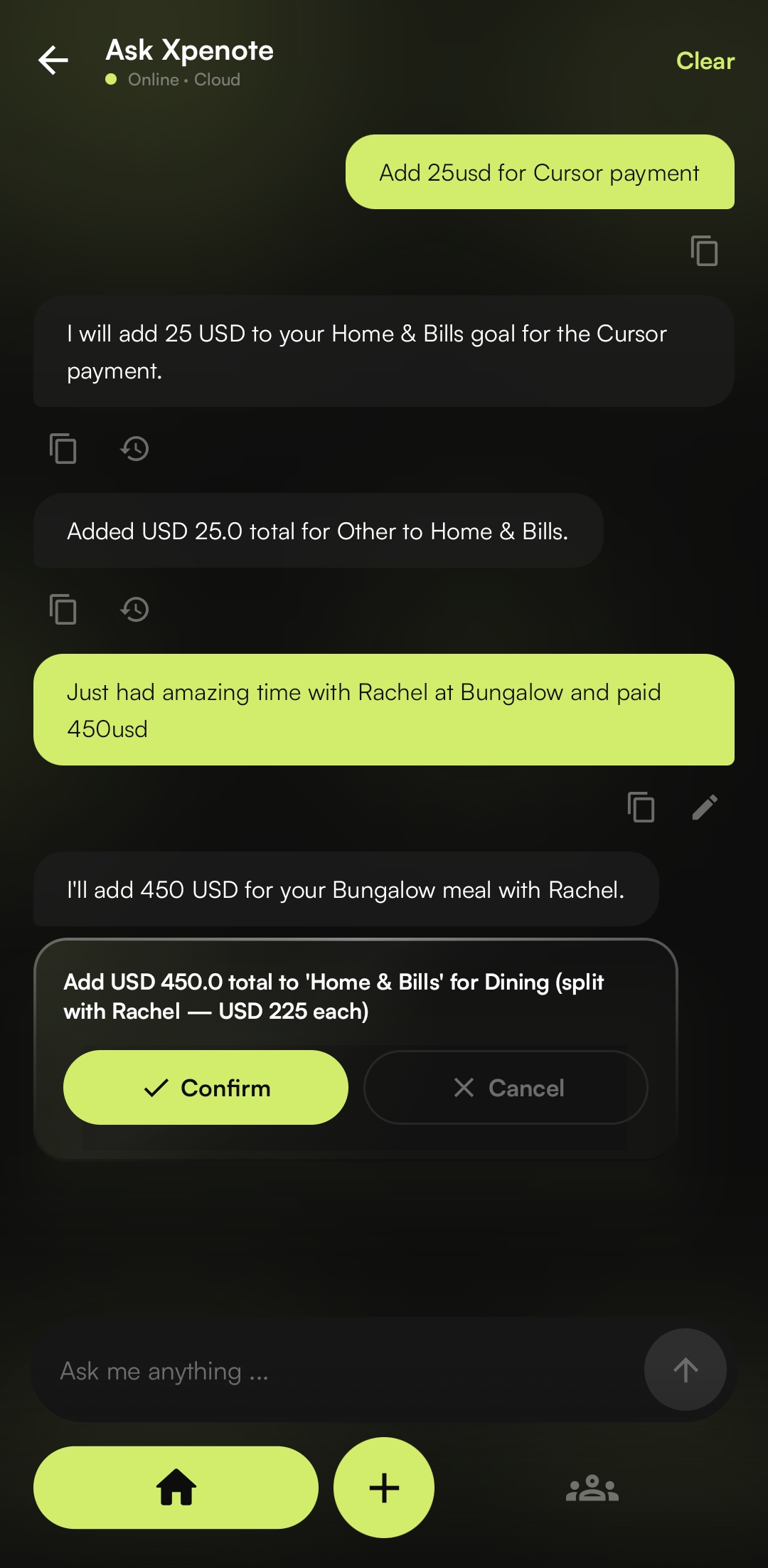
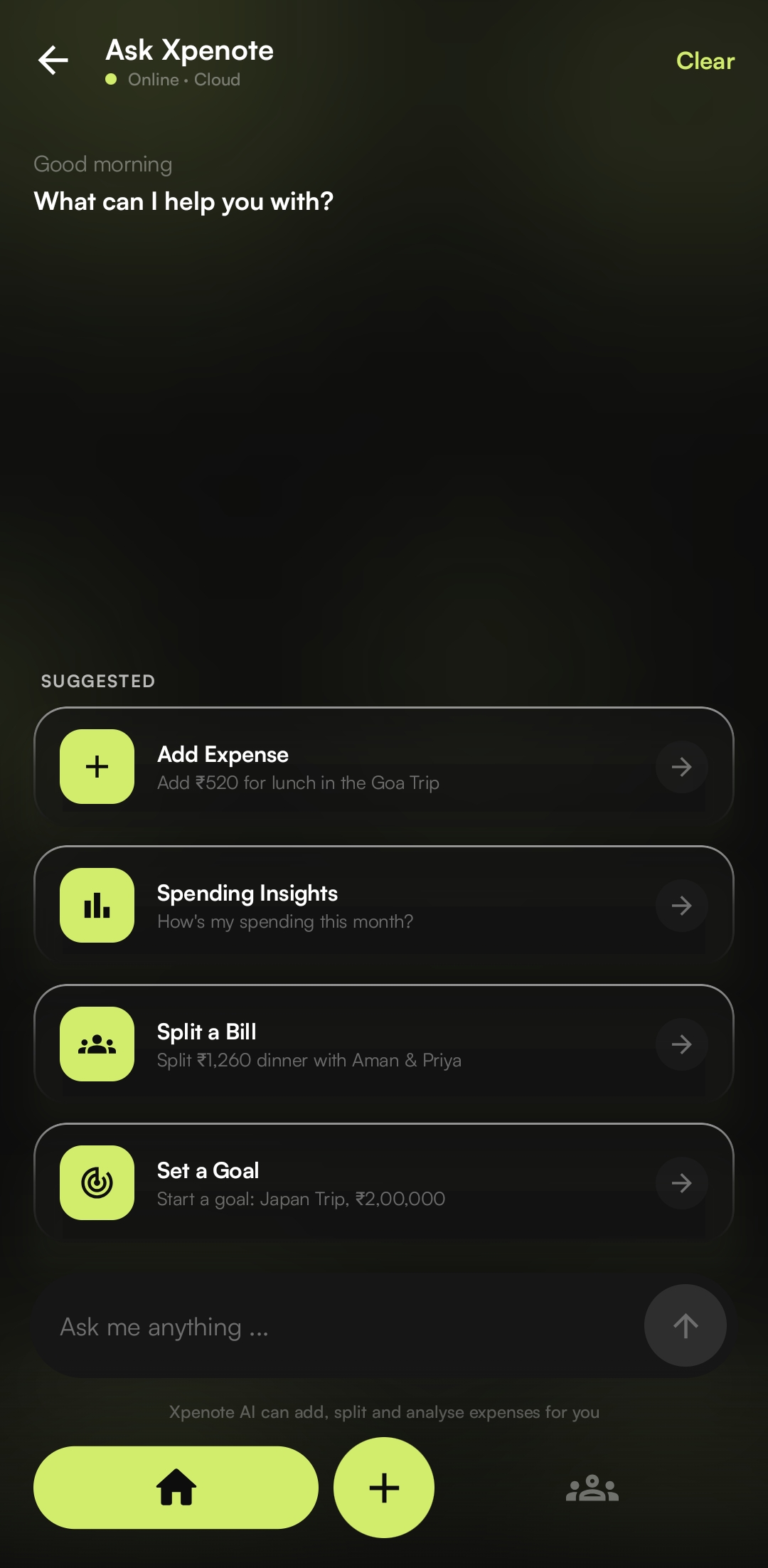
Type "Add ₹520 for lunch in the Goa Trip." The AI reads the amount, picks the category, and files it under the right goal. The same chat splits bills with friends and reads whole bank statements.
Get it on Google Play See how it works
"Add ₹200 for cab" → logged to Goa Trip
Total spent
₹2,567.42
5% of ₹50,000 budget
GT
Goa Trip
₹200 spent
Xpenote AI splitting a bill
Ask Xpenote AI chat
Xpenote home dashboard
AI expense chatStatement importSplit & settle upPer-category budgetsMulti-currencyLight & dark
Why Xpenote

Most of the work happens in one chat box

01 · Ask Xpenote

Just text your
expenses.

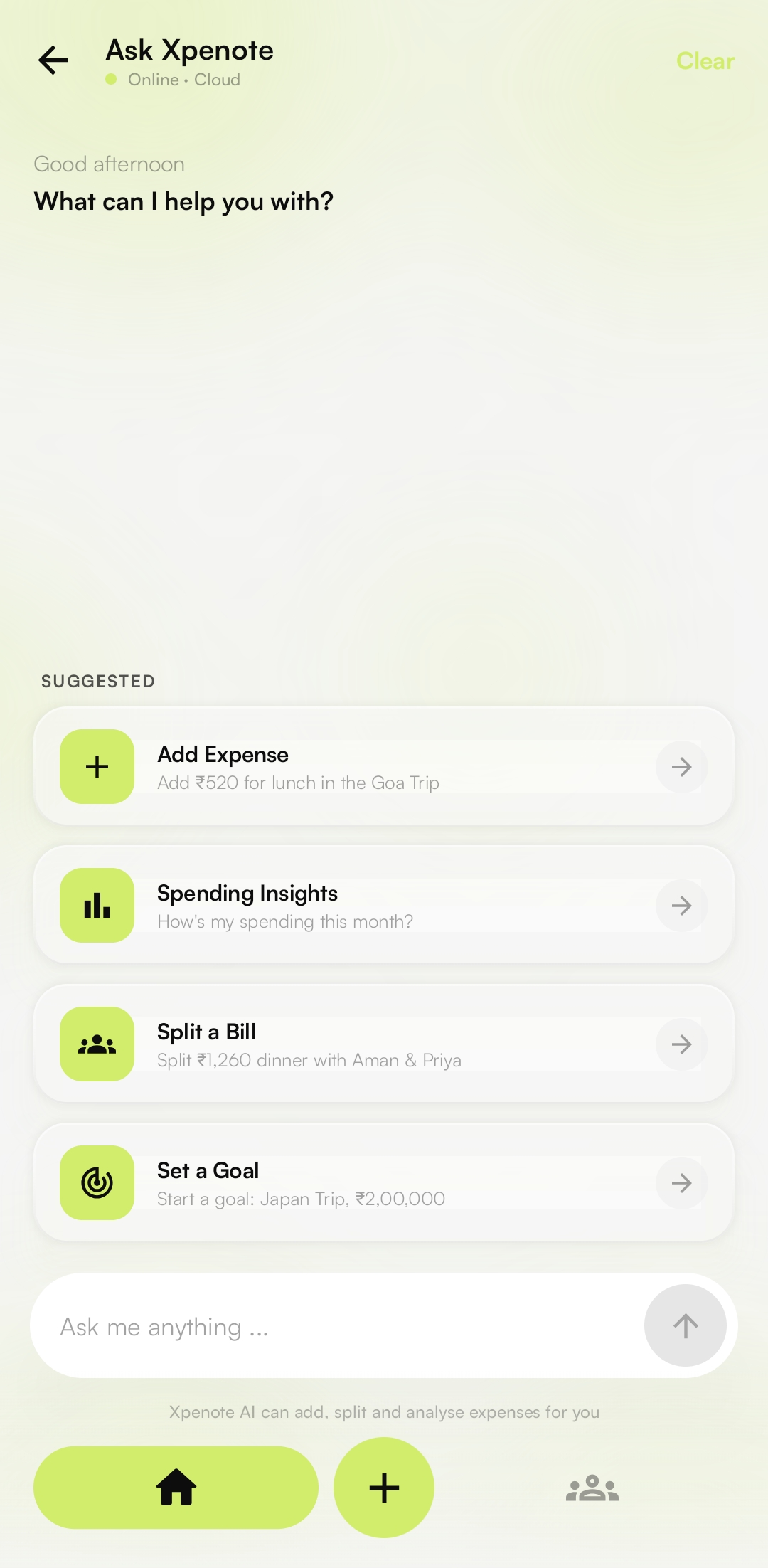
Write it the way you'd say it out loud. Xpenote reads the amount, the category, the goal, and even who to split it with, then does the math and files it. No goal yet? It makes one on the spot.

See how Ask Xpenote works →
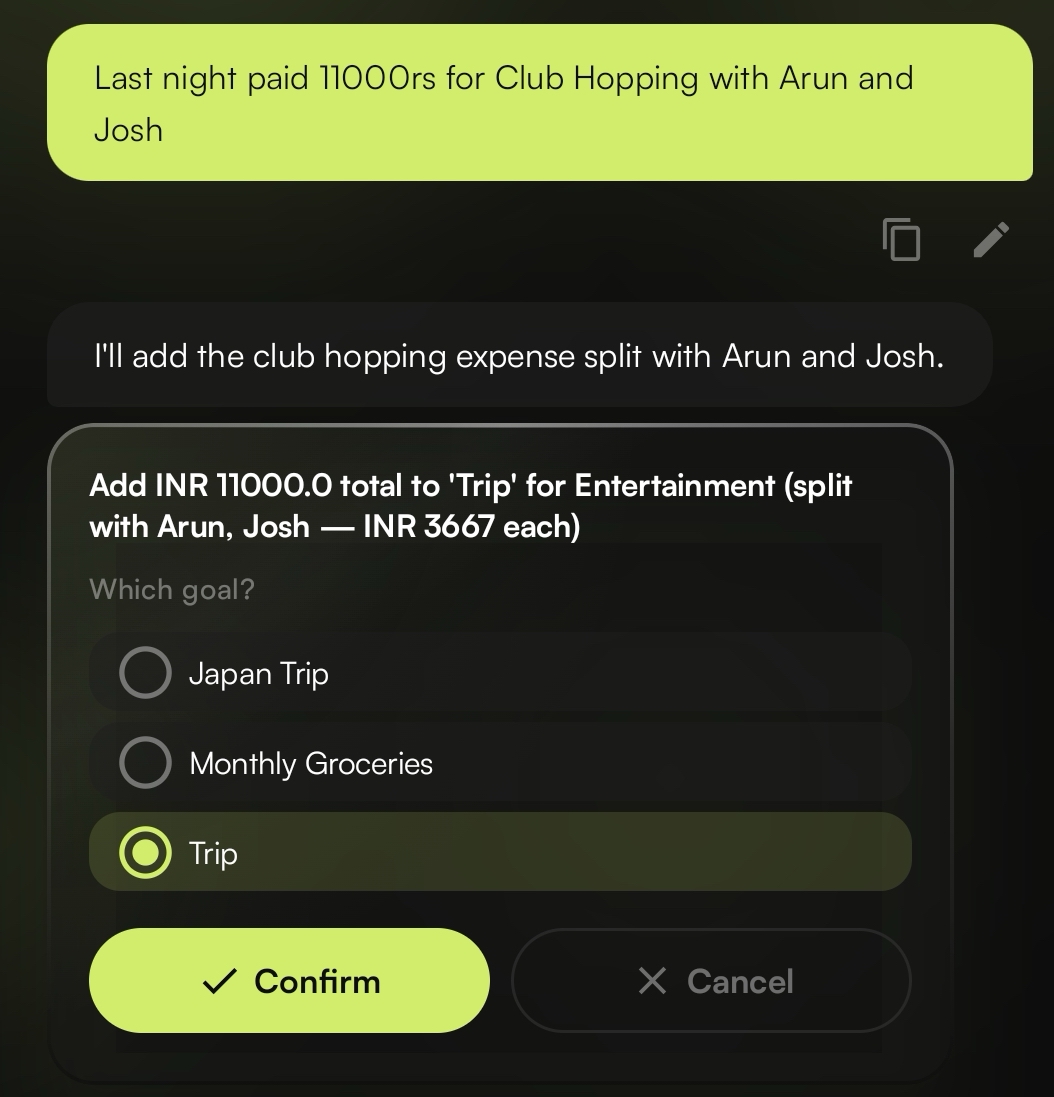
Parsed and split in one step
Xpenote AI parsing a message into a split expense
02 · Home

Your whole month,
in one view.

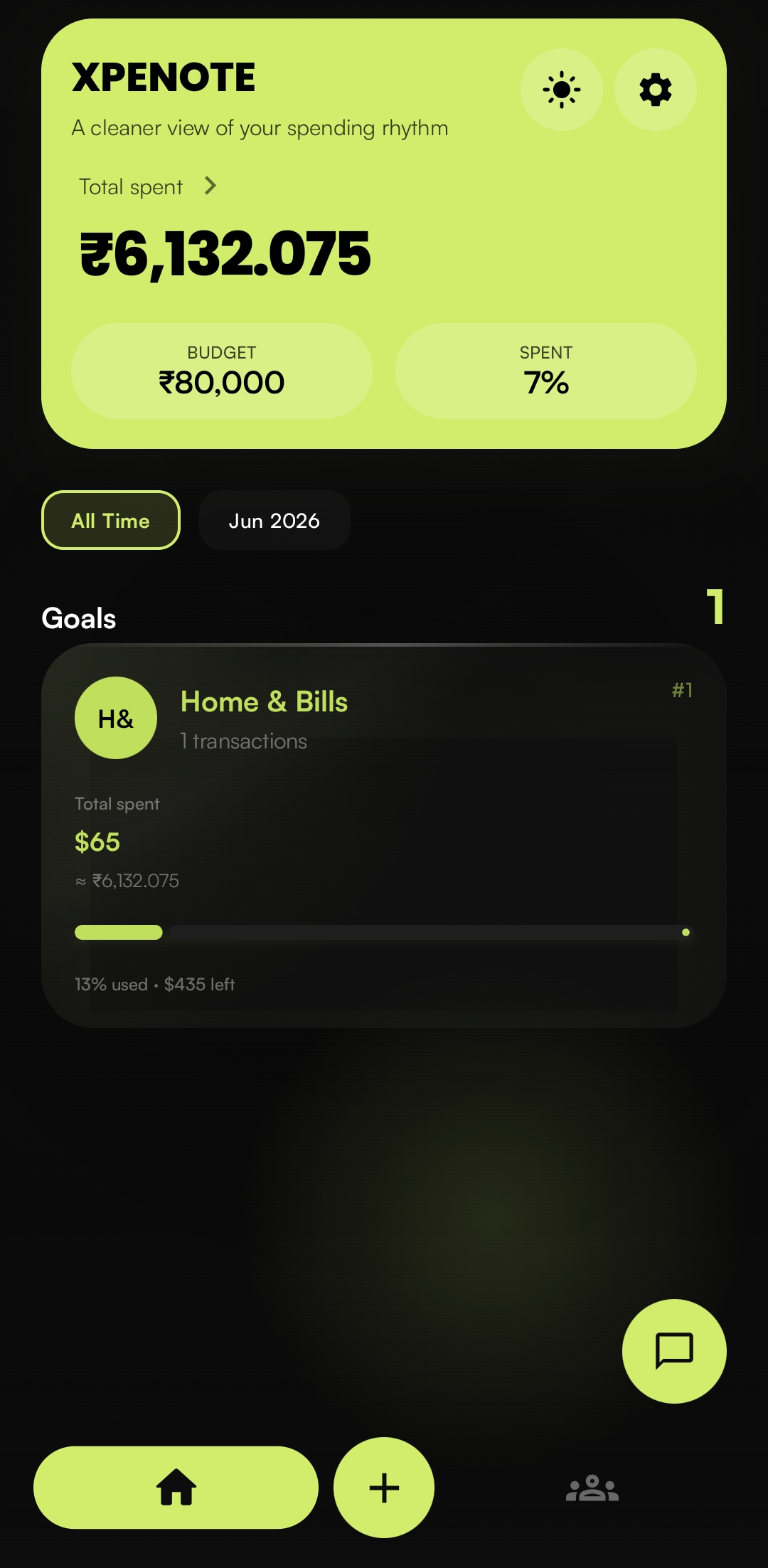
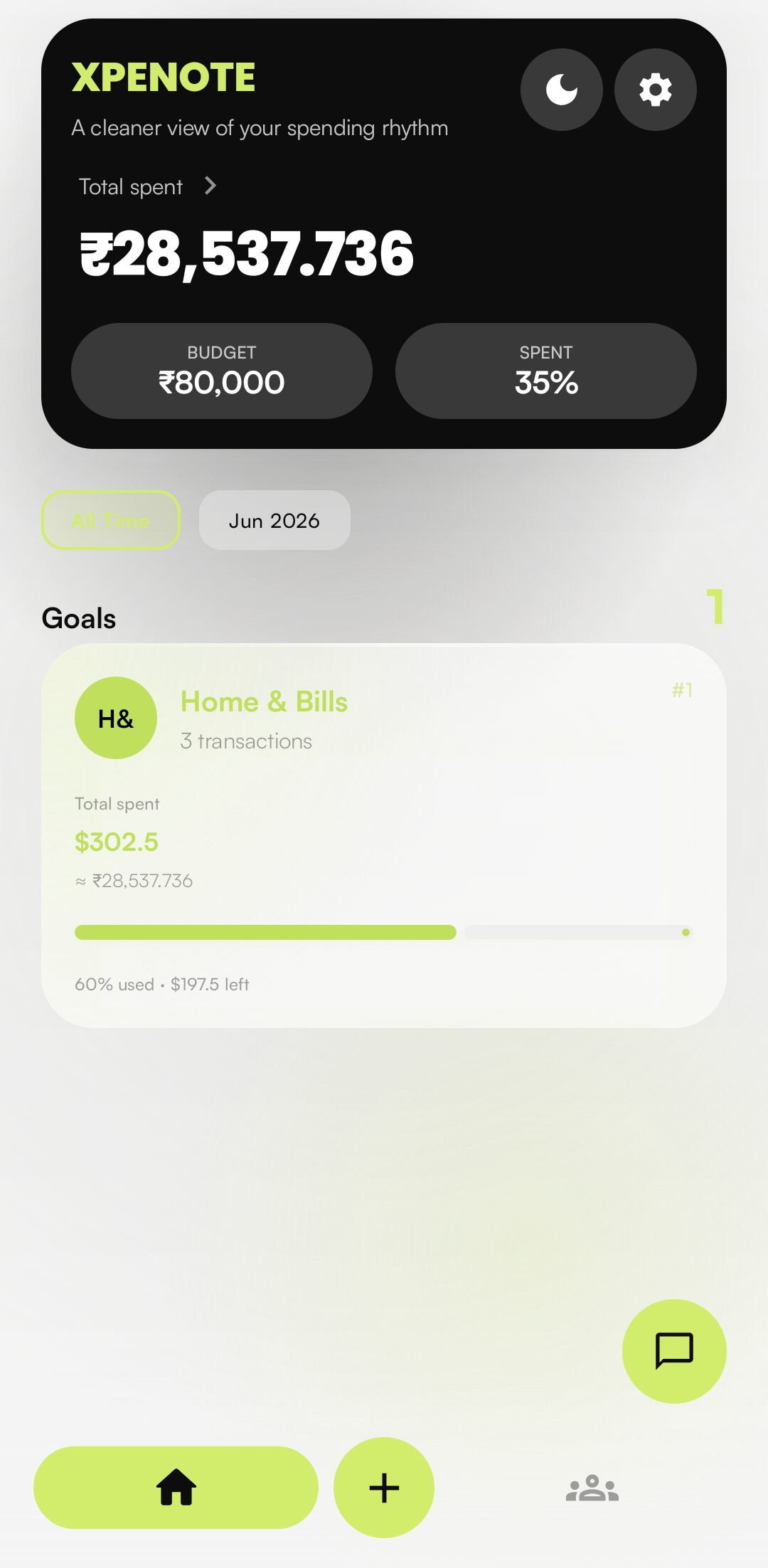
Total spent, budget, and what's left sit right at the top. Below that, every goal ranked and color-coded. Switch between this month and all time in one tap.

Header  Total spent · budget · % used
Filter  All Time / month
Goals   Ranked, colored, live totals
Xpenote home dashboard
03 · Goal detail

Each goal gets
its own colour.

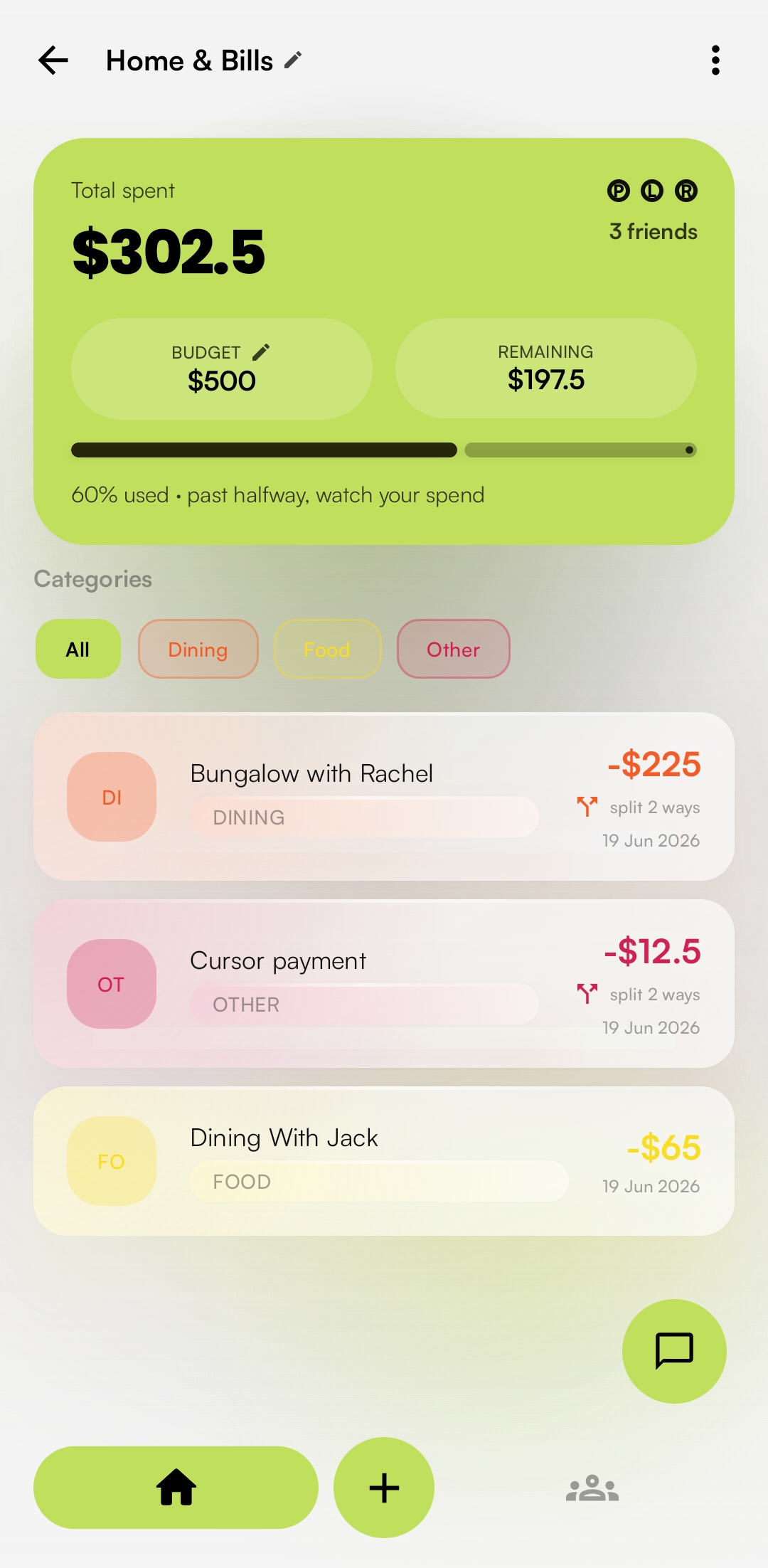
Open a goal and the whole screen picks up its colour, so you always know which one you're in. Inside, a per-category budget shows what's left, expenses group themselves by category, and you can see who still owes what.
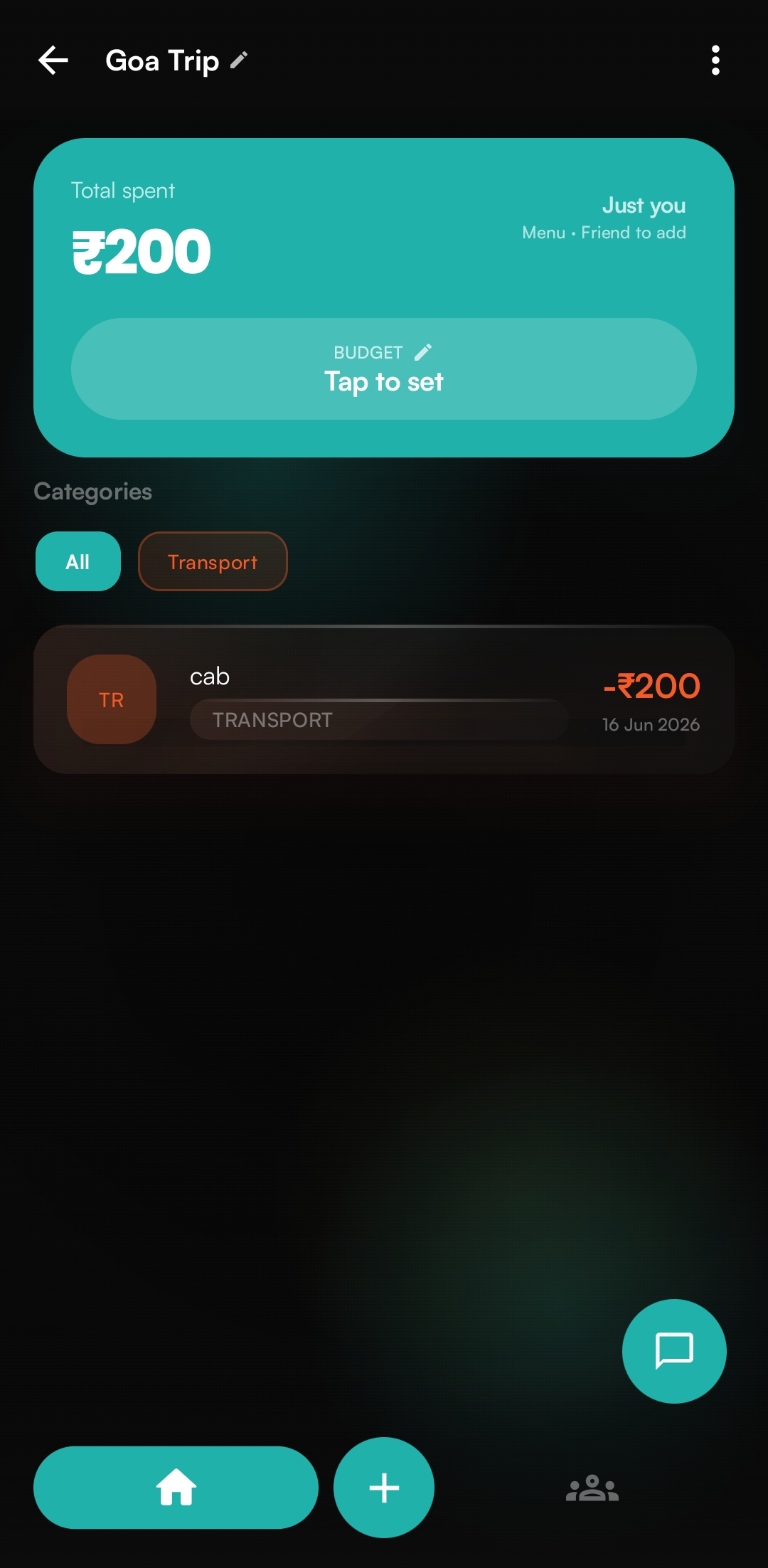
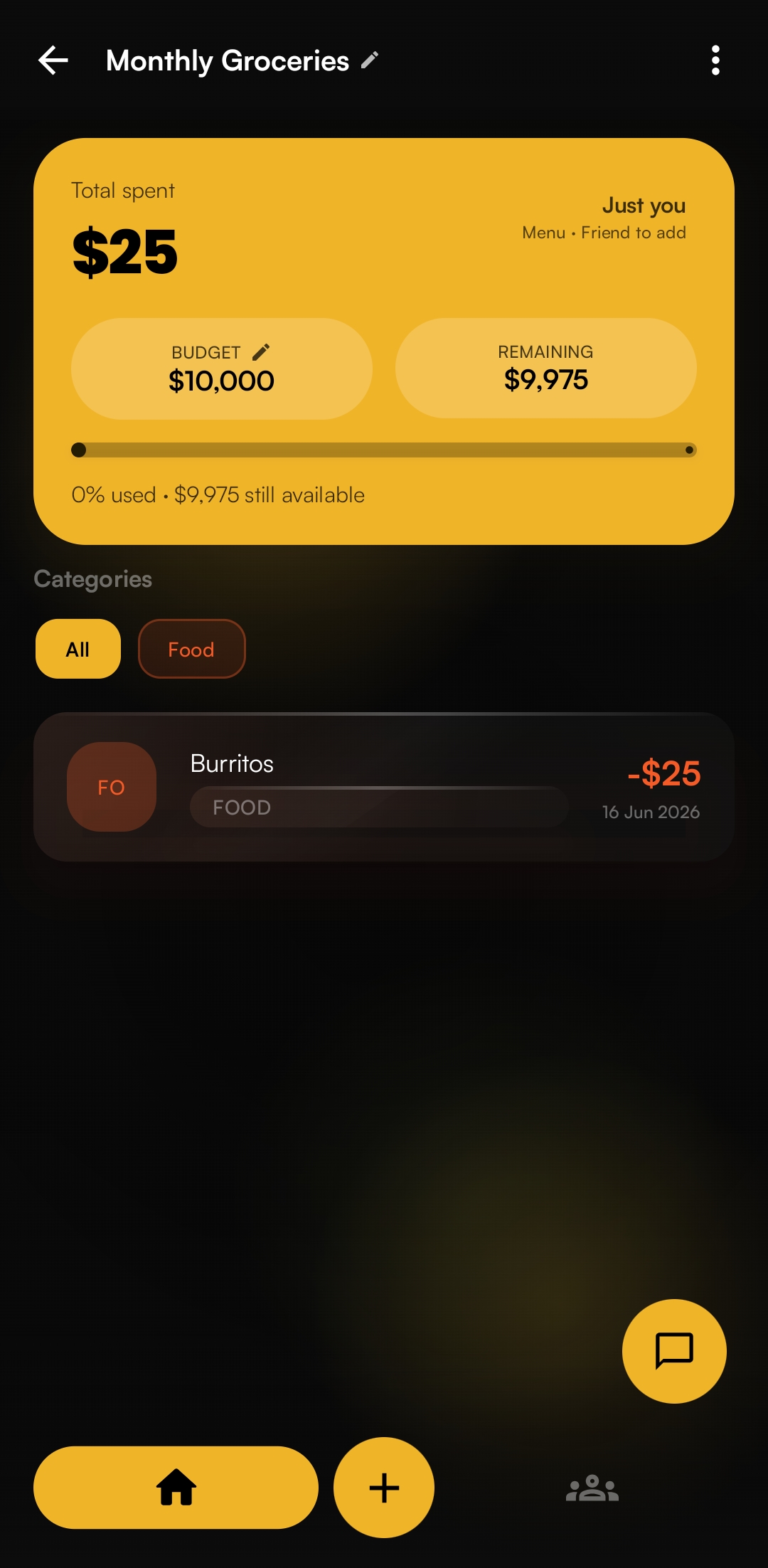
Goa Trip Groceries
Goa Trip goal
Monthly Groceries goal
04 · Statement import · Pro

A month of spends,
without the typing.

Attach a receipt photo, a PDF statement, or a bank CSV in the chat. Xpenote reads it and lists every transaction with an amount and a category. Long statements are read in batches so nothing at the bottom gets cut off.

Uncheck anything you don't want, then add the rest in one go. Nothing is saved until you tap the button.

Image PDF Bank CSV
Review transactions
Goal: Monthly Groceries
Expenses
Milk & eggs
Food
₹240
Auto fare
Transport
₹90
Vegetables
Food
₹310
Phone recharge
Bills
₹299
Coffee beans
Food
₹480
5 expenses · ₹1,419
Dismiss Add 5 expenses
One bold color

The same lime, light or dark.

The lime accent runs through a deep-black dark theme and a clean light one. Pick either in Settings and the whole app follows, screen for screen.
Dark mode
NIGHT
Light mode
DAY
Light mode, everywhere
Goal detail in light mode
GOAL DETAIL
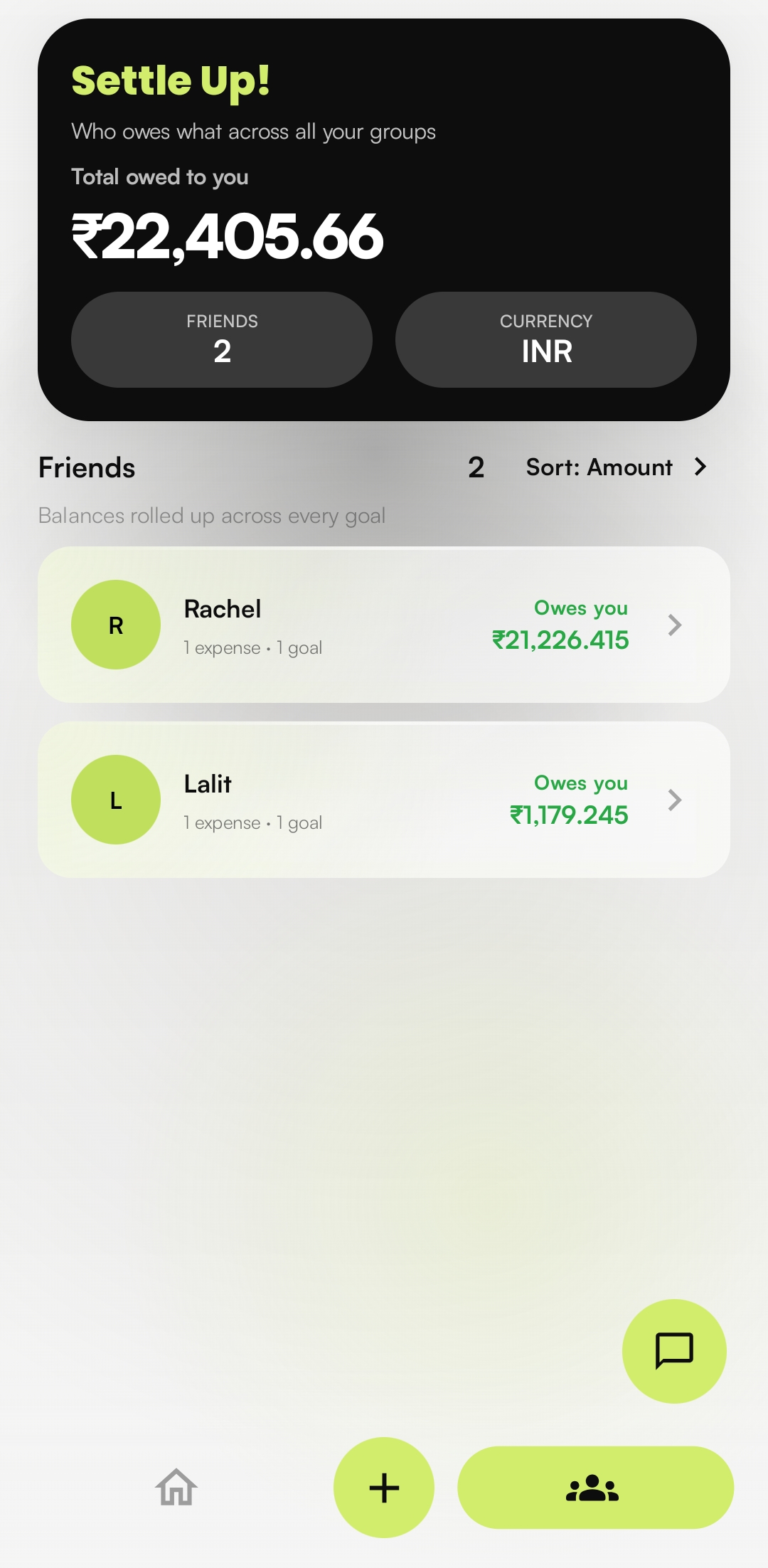
Settle Up in light mode
SETTLE UP
Ask Xpenote chat in light mode
ASK XPENOTE
The whole loop

Said and done.

The whole product

Seven screens, start to finish.

Welcome
Welcome01/07
Track effortlessly
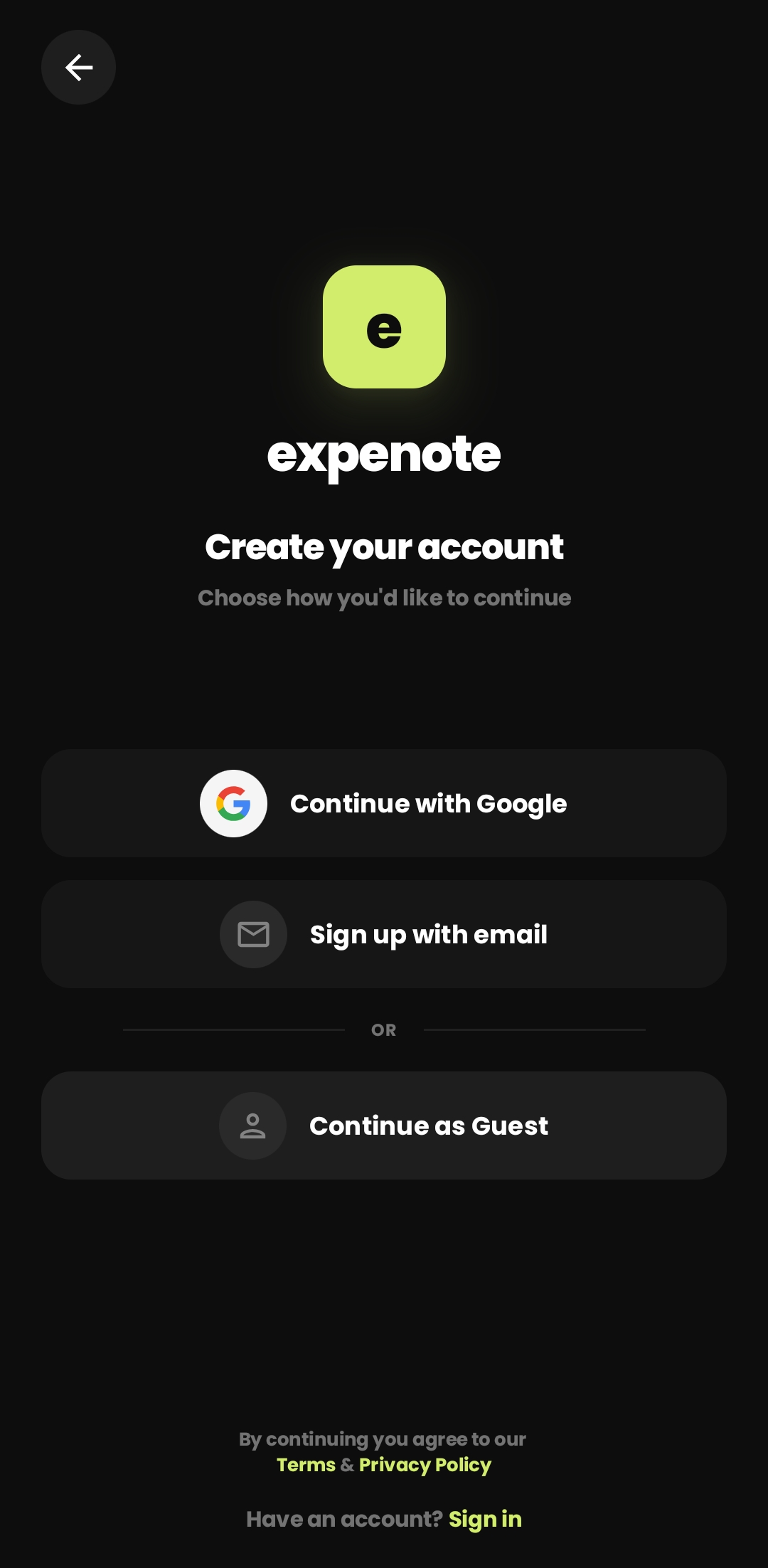
Sign up
Create account02/07
Google · email · guest
Home
Home03/07
Spending rhythm · goals
Ask Xpenote
Ask Xpenote04/07
AI expense chat
Goa Trip
Goal · Goa Trip05/07
Teal world · transport
Monthly Groceries
Goal · Groceries06/07
Gold world · budget
Home light
Home · Light07/07
Day mode
1 msg
to log an expense
10/day
free AI chats
3
import formats: photo, PDF, CSV
₹ $ €
multi-currency

Start tracking
in one message.

Free with 10 AI chats a day. Go Pro for ₹49/month when you want statement import and more.

Where we're headed

Product roadmap

What's shipped, what's being built, and what's planned next.

Shipped · Now
AI expense chat
Log spend in plain language.
Per-category budgets
Color-coded and ranked by goal.
Statement import
Photo, PDF or CSV into expenses.
Multi-currency
Track in ₹, $ and more.
Light & dark themes
Nightfall and Sunset, app-wide.
In build · Next
Smarter category AI
Learns your habits over time.
Group settle-up & UPI
Square up shared trips in a tap.
Release 2.0
Insights & monthly reports
Trends, forecasts, summaries.
Recurring & reminders
Auto-log subscriptions and bills.
Cloud budget sync
Budgets in sync across devices.